Codex 额度不够用,ChatGPT 网页版却基本没怎么动。
Codex 额度不够用,ChatGPT 网页版却基本没怎么动。
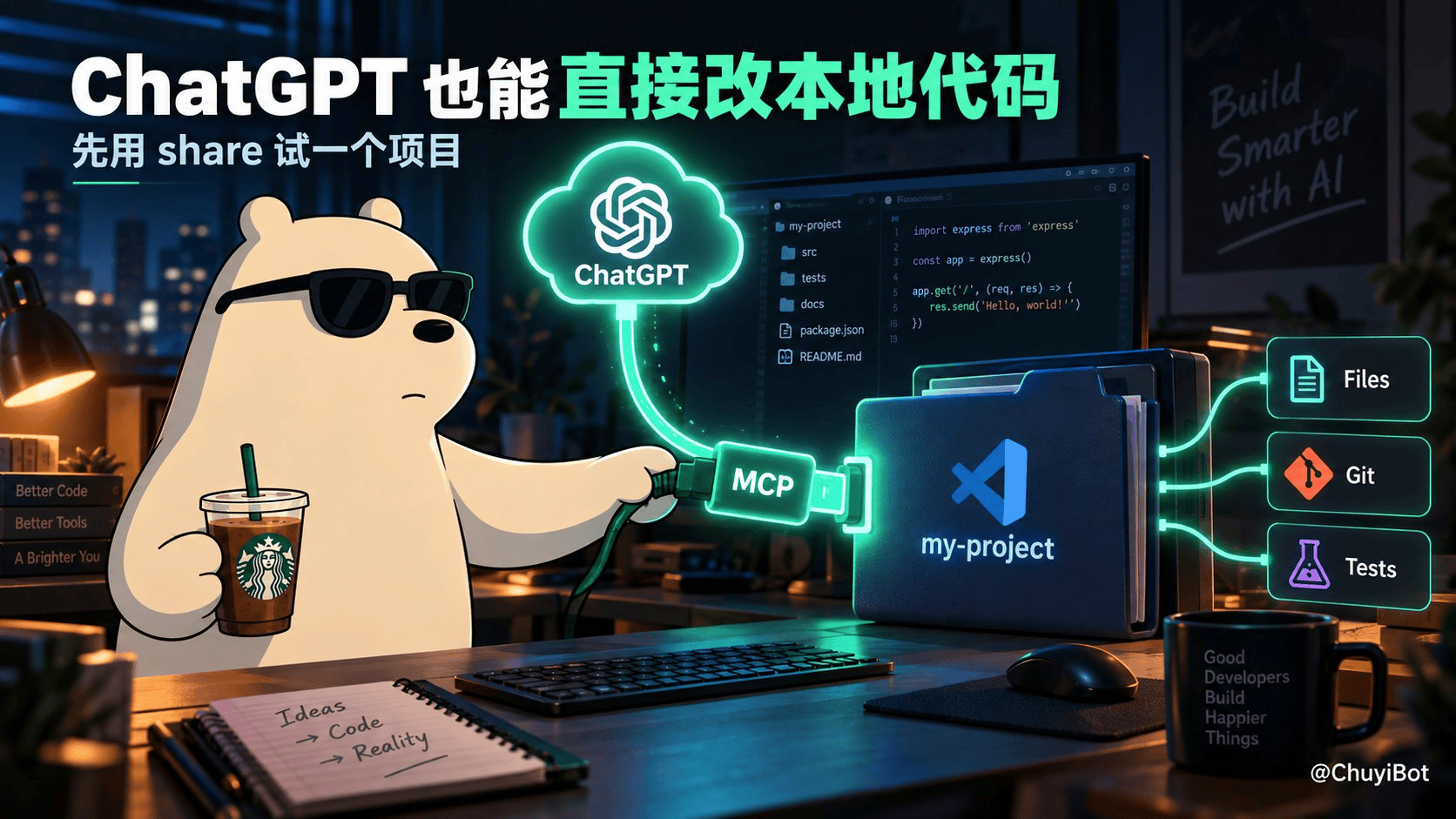
最近很多人开始把 ChatGPT 接到本地项目,直接让它读代码、改文件、跑 Git 和测试。
想试的话,其实不用先搭服务器。
进入项目目录,执行:
npx –yes @yyjeqhc/webcodex share
看到 WebCodex ready 后:
打开 ChatGPT 设置 → Apps → Create
填入终端显示的 MCP URL 和临时 Credential
点击 Scan Tools
然后先发一句:
读取当前项目结构,暂时不要修改任何文件。
能正常返回目录和代码结构,就说明接通了。
这个模式只开放当前项目,终端一关连接就失效,适合先体验。
不过别信什么“无限 Codex”,它只是给 ChatGPT 网页版接上了本地工具,额度还是走自己的 ChatGPT 套餐。
另外它能执行命令、修改文件,第一次别拿生产项目测试,最好先建个 Git 提交。
评论已关闭。
I like the helpful info you provide on your articles. I’ll bookmark your blog and take a look at again right here frequently. I am quite sure I’ll be told a lot of new stuff right here! Good luck for the next!